Currency balances
View available balances, pending funds and account details by currency.
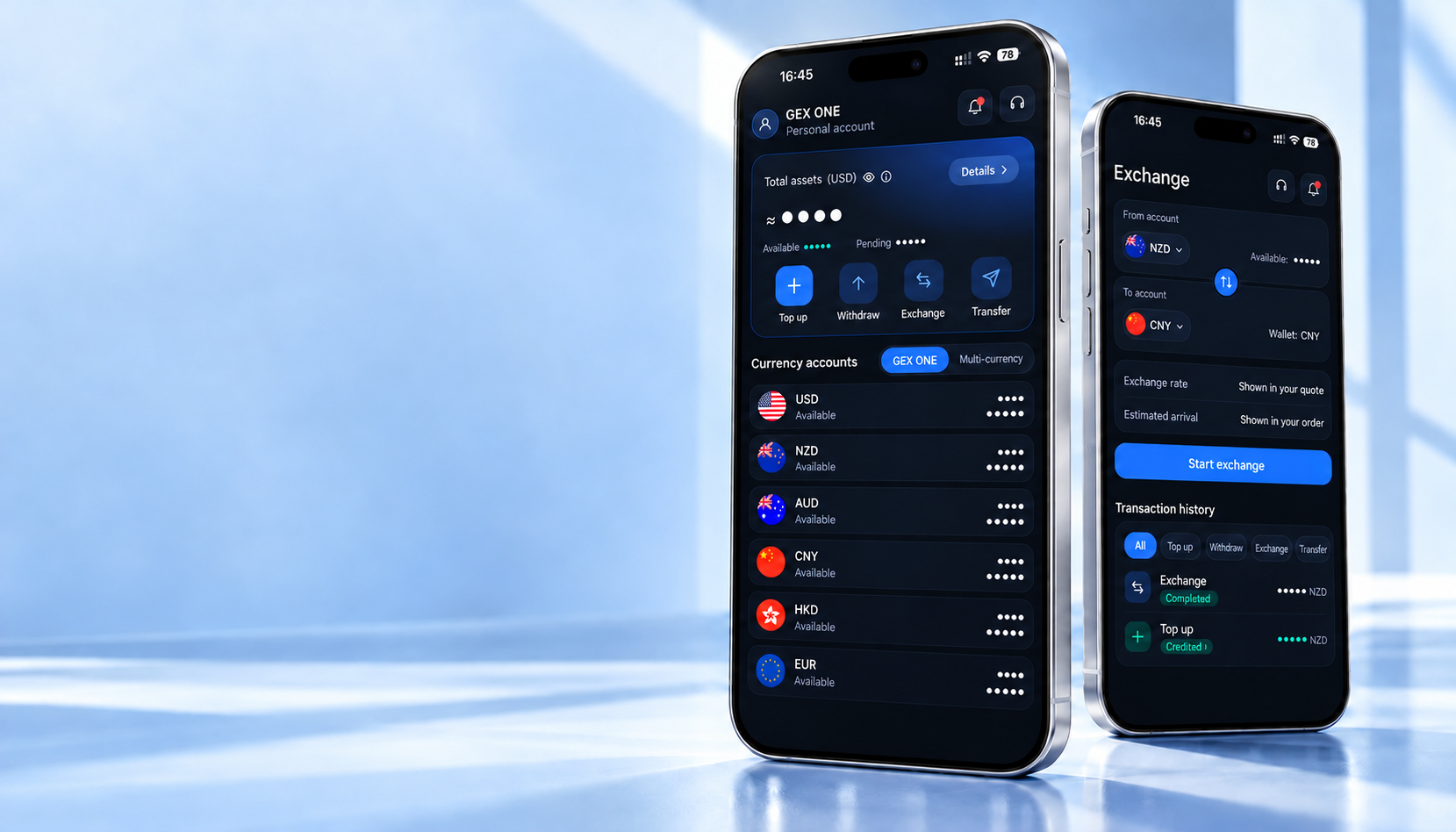
Manage currency balances, add or withdraw funds, exchange and transfer money, and follow orders and document reviews in the GEX One app.
The official download link will be available after the App Store release.
View available balances, pending funds and account details by currency.
Follow your order instructions to add funds or withdraw to an eligible receiving account.
Choose currencies, amounts and an available receiving method, then review the quote.
Find a GEX One recipient by ID, username or phone number, then verify their details.
Save recipient details and relationships, and check names, accounts and receiving currencies.
Filter funding, withdrawals, exchanges and transfers, and view each order’s status.
Review document requests, submit the required files and follow review updates.
Read account and order notifications, and contact in-app support for assistance.
From CNY, NZD, AUD, USD and HKD to more everyday currencies, choose what you need in the app. Review your quote, fees and transaction details before confirming.
Explore currencies and services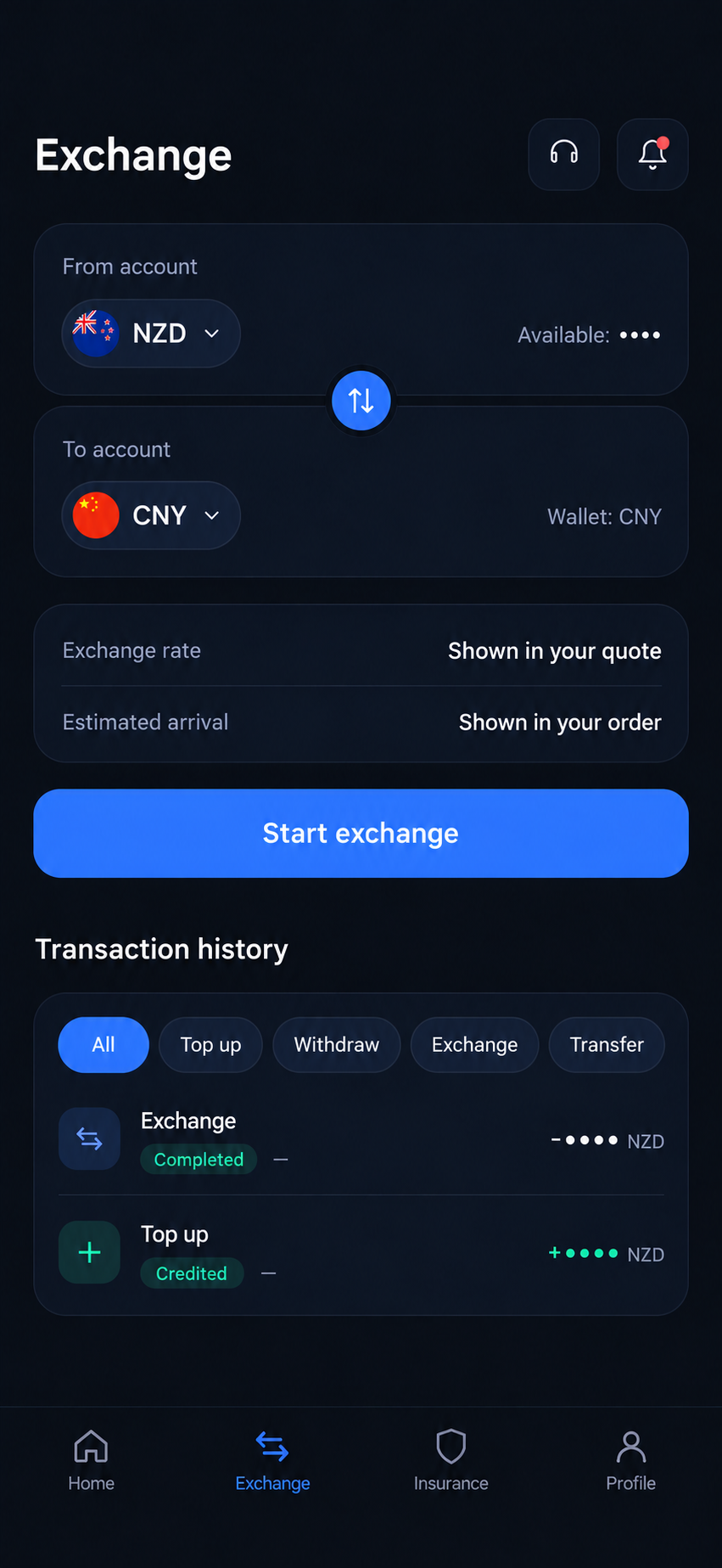
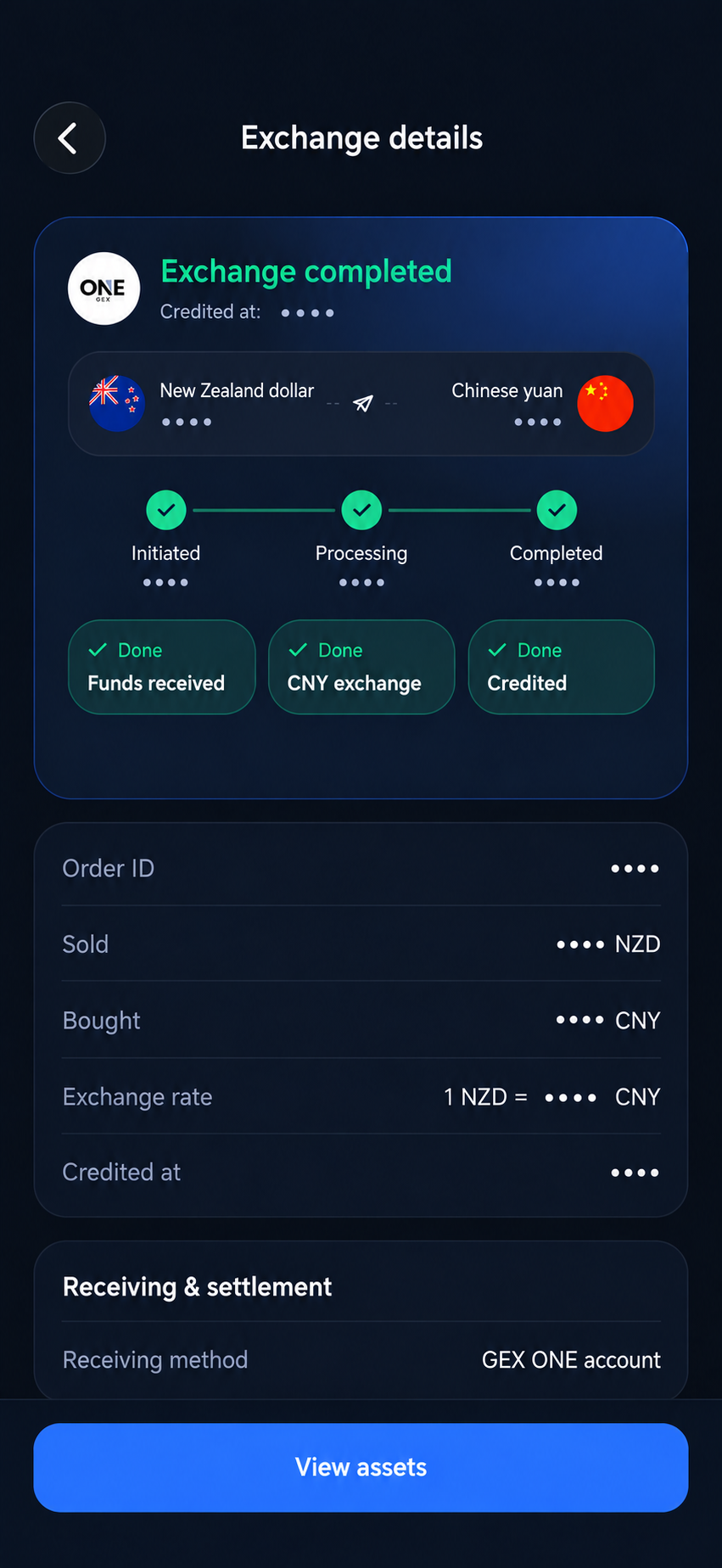
Find records by transaction type and currency, with order numbers, amounts and processing status. A completed exchange credited to a GEX One wallet is distinct from a payment to an external receiving account; check the relevant order.
Get help and supportProvide your personal details and the verification documents requested in the app.
Choose your currencies and check the rate, fees and receiving details.
When adding funds, create the order and wait for assigned account details before paying.
Check the status in transaction history and contact in-app support if needed.