International transfers.
A clear process.

From account setup to order tracking, follow each step in the GEX One app.

View the steps
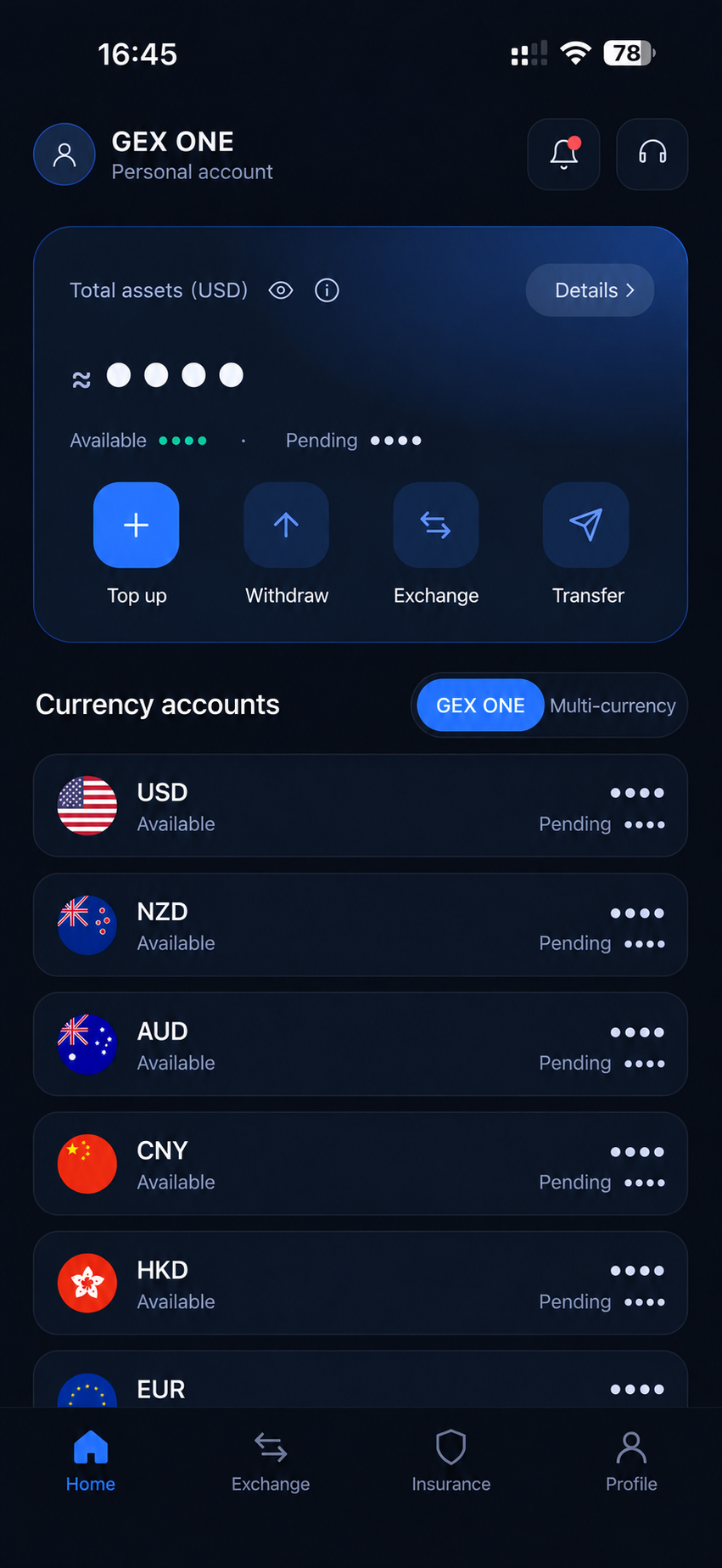
GEX One app home
01

Create and verify your account

Register with your own details and complete identity verification. Additional supporting documents may be requested depending on your account and transaction.

Have a valid identity document and your contact details ready.
02

Choose currencies and receiving details

Choose currencies, amounts and a receiving method. Add and check recipient details, then review the rate and fees before confirming.

Match the recipient’s name and receiving currency to the selected account.
03

Follow the payment instructions

For a top-up, create the order and wait for the receiving account to be assigned. Once notified, pay using that order’s bank details and the required payment reference.

Do not pay before account details are assigned. Check the status after paying.
04

Follow your order

Open the relevant order in your transaction history. An account exchange and a transfer to an external recipient are separate steps; check the corresponding order status.

For assistance, give in-app support your order number.

Start your next transfer with GEX One

Explore international transfers and currency exchange, or contact customer support.